
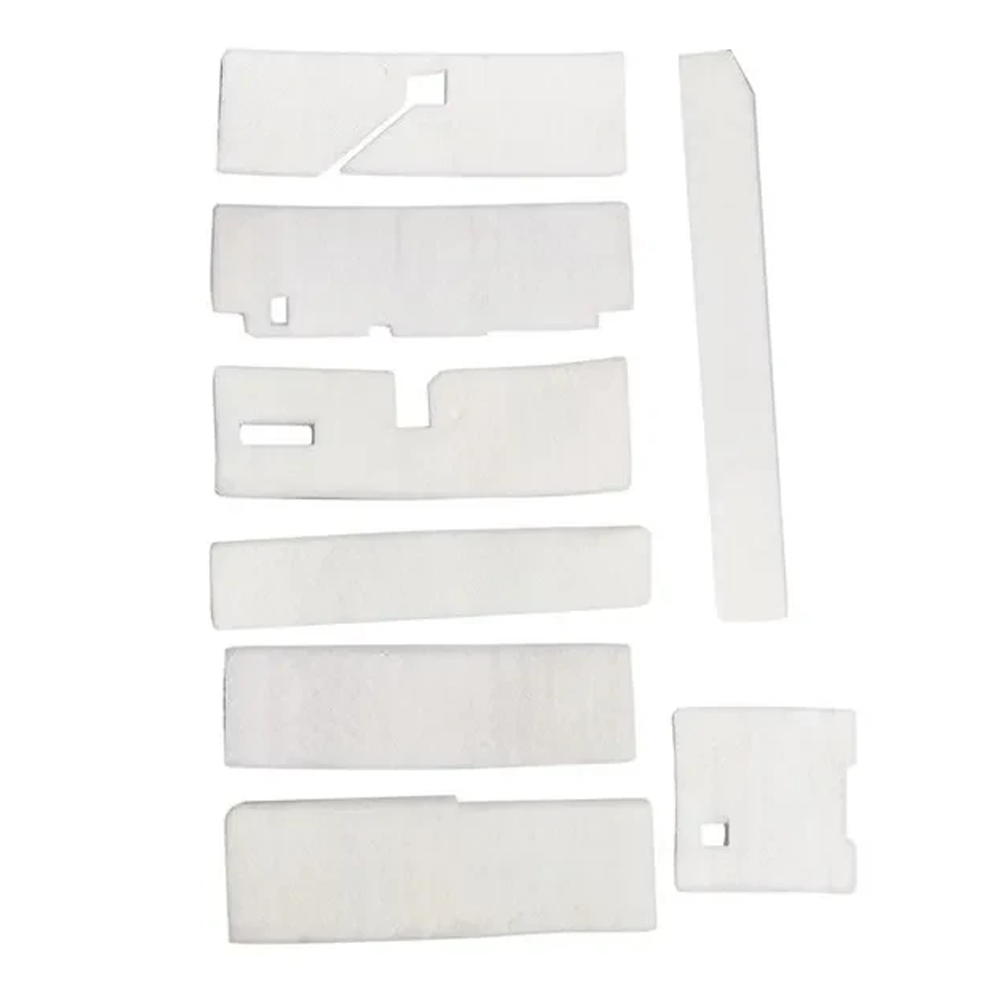


Waste Ink Tank Pad Sponge for Epson L1800 1390 1500 1430 1400

SKU: 0701

Condition : New

රු750.00

3 in stock

3 in stock

0 People watching this product now!

Payment Methods:

Buy More, Save More! All discounted prices are valid exclusively for direct online purchases via nanohub.lk only!ย 
Payments : Credit or Debit Cards & COD

Hot Line : 076 7049479

  • Pick up from the NanoHub Store

( Monday to Friday)

10AM to 5PM

  • Courier delivery

Our courier will deliver to the specified address

2-3 Days

Please be informed that courier deliveries may experience delays up to 4-5 days due to the current fuel crisis in the country.

เถปเถง เถญเท”เท… เถดเท€เถญเท’เถฑ เถ‰เถฑเทŠเถฐเถฑ เถ…เถปเทŠเถถเท”เถฏเถบ เท„เทšเถญเท”เท€เท™เถฑเทŠ เถšเท”เถปเท’เถบเถปเทŠ เถถเท™เถฏเทเท„เทเถปเท“เถธเทŠ เถฏเท’เถฑ 4-5เถšเทŠ เถฏเถšเทŠเท€เท เถดเทŠโ€เถปเถธเทเถฏ เท€เท’เถบ เท„เทเถšเท’ เถถเท€ เถšเถปเท”เถซเทเท€เท™เถฑเทŠ เทƒเถฝเถšเถฑเทŠเถฑ.

ย 

Name
Your Mobile number
Permeant Address
test@gmail.com
Model or SKU number

Full Specification

ย 

Waste Ink Tank Pad Sponge for Epson L1800 1390 1500 1430 1400

Waste Ink Tank Pad Sponge for Epson L1800 1390 1500 1430 1400 is a replacement absorbent pad designed to collect excess ink during cleaning and printing cycles. Over time, the original waste ink pad inside your Epson printer can become saturated, leading to error messages, ink leakage, or printer stoppage. By installing a new Waste Ink Tank Pad Sponge for Epson L1800 1390 1500 1430 1400, you can restore proper ink absorption and help your printer run smoothly again.

This waste ink pad sponge is compatible with popular Epson models including L1800, 1390, 1500, 1430, and 1400. It is made from high-quality absorbent material to effectively capture and hold waste ink, preventing overflow and potential internal damage. Replacing a worn-out pad is a cost-effective way to extend the life of your printer and avoid messy ink issues.

For best results, installation of the Waste Ink Tank Pad Sponge for Epson L1800 1390 1500 1430 1400 should be done carefully, ideally by a technician or someone familiar with printer maintenance. After replacement, it may also be necessary to reset the printerโ€™s waste ink counter using appropriate software or service tools. This ensures your Epson printer continues

Customer Reviews